Render, Render, Render

I got into a discussion with someone on the Epic-W page on FB about if a RRX works or not with Helium footage. Well I can say without a doubt that no it does not, at least not on a Mac (I don’t have a TB3 enclosure or a pc laptop to test it out on. I do have my desktop that I can throw the RRX in later to do a final test on).
Here’s what Jarred Land says on fb:
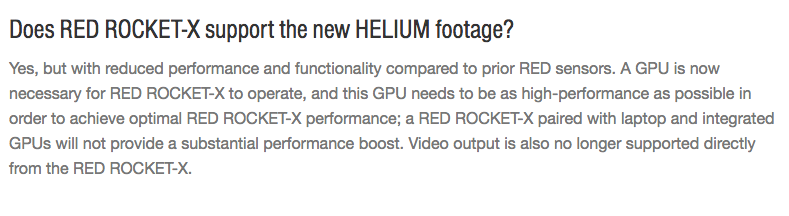
Here’s what RED says, officially, on their own site:
Now, what does high-performance GPU mean exactly? Well I have a maxed out trashcan (mac pro) and here’s what I was getting for render times on 8KWS footage 7:1 set to 1080 ProResLT (this btw is a realistic look at what your render times on set will be, I don’t know any editor who wants 4K DPX files delivered to them).
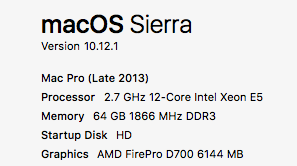
Here’s my specs, just so you know what I’m working with here:
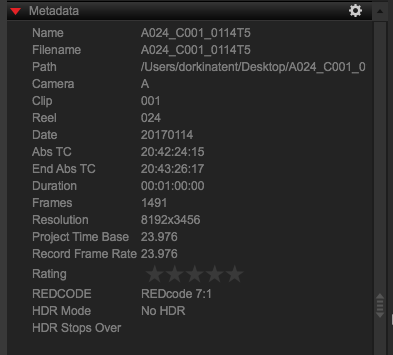
Here’s the footage I’m working with, as per RCX:
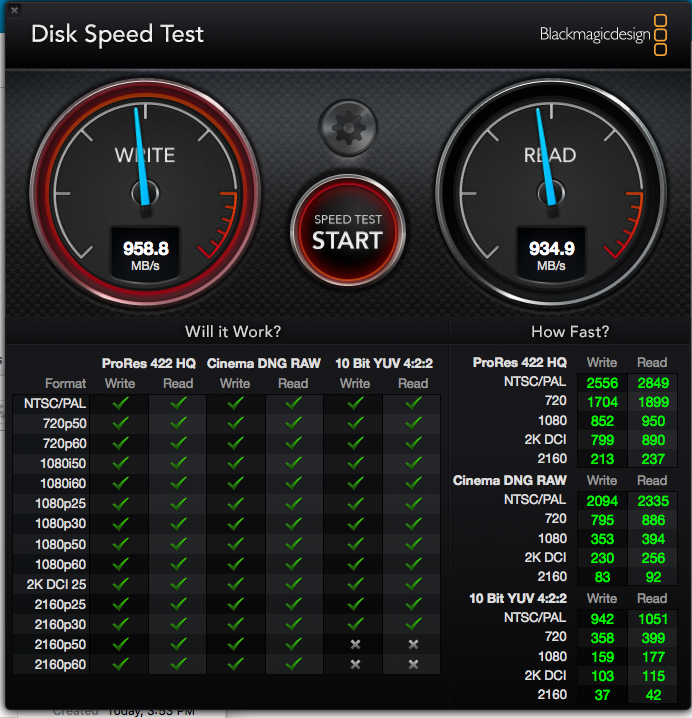
The footage is on my desktop and also rendering directly to my desktop also, it’s the 500gb flash storage option for reference. Here’s the R/W speed from Disk Speed Test, also so you know what I’m working with:
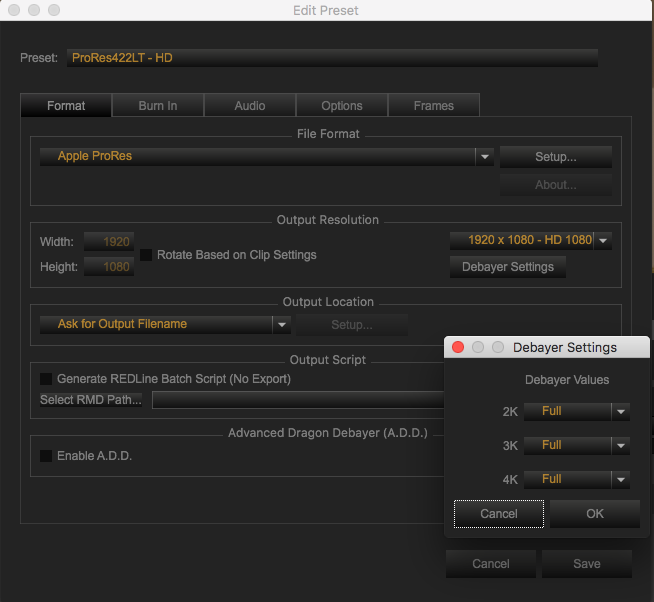
And finally, here’s the export settings I used:
Here’s the render time for 1 minute of footage set to 1080 ProResLT (I have 2 exports because there’s no “completed in” section, so you look at the start time for both exports) WITHOUT a RRX:
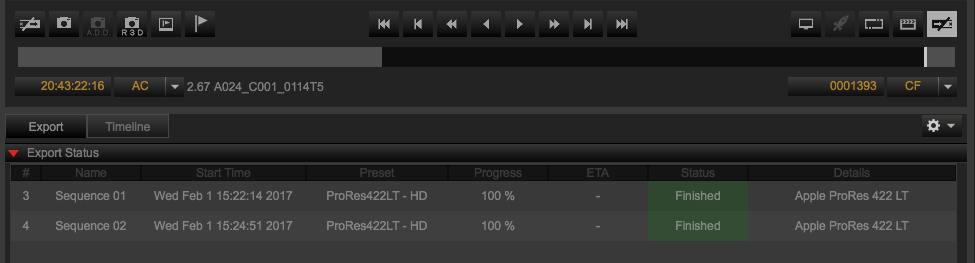
It’s about 2:37 per 1 minute of footage, not terrible but not great.
And here’s the same footage WITH the RRX enabled, the RRX screen up to prove the point that it’s enabled:
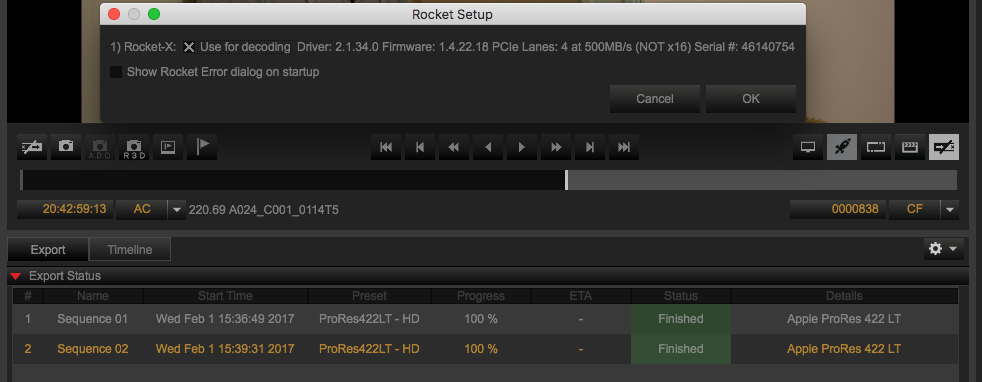
Again, it’s about the same time, actually slightly longer render time of 2:42 with the RRX enabled.
There you go, real testing done here, no alternative facts 😉